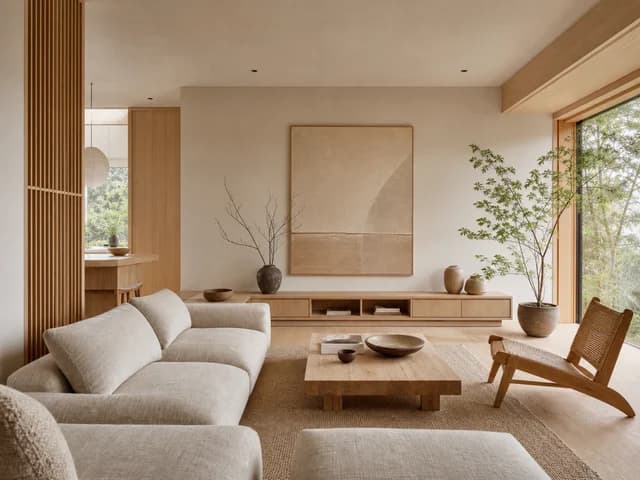
Living room
Japandi
Upload a photo of your room. Ruvie preserves the walls, windows, and camera angle, then creates a realistic redesign in minutes.
10 starter credits — enough for 2 designs · no card required
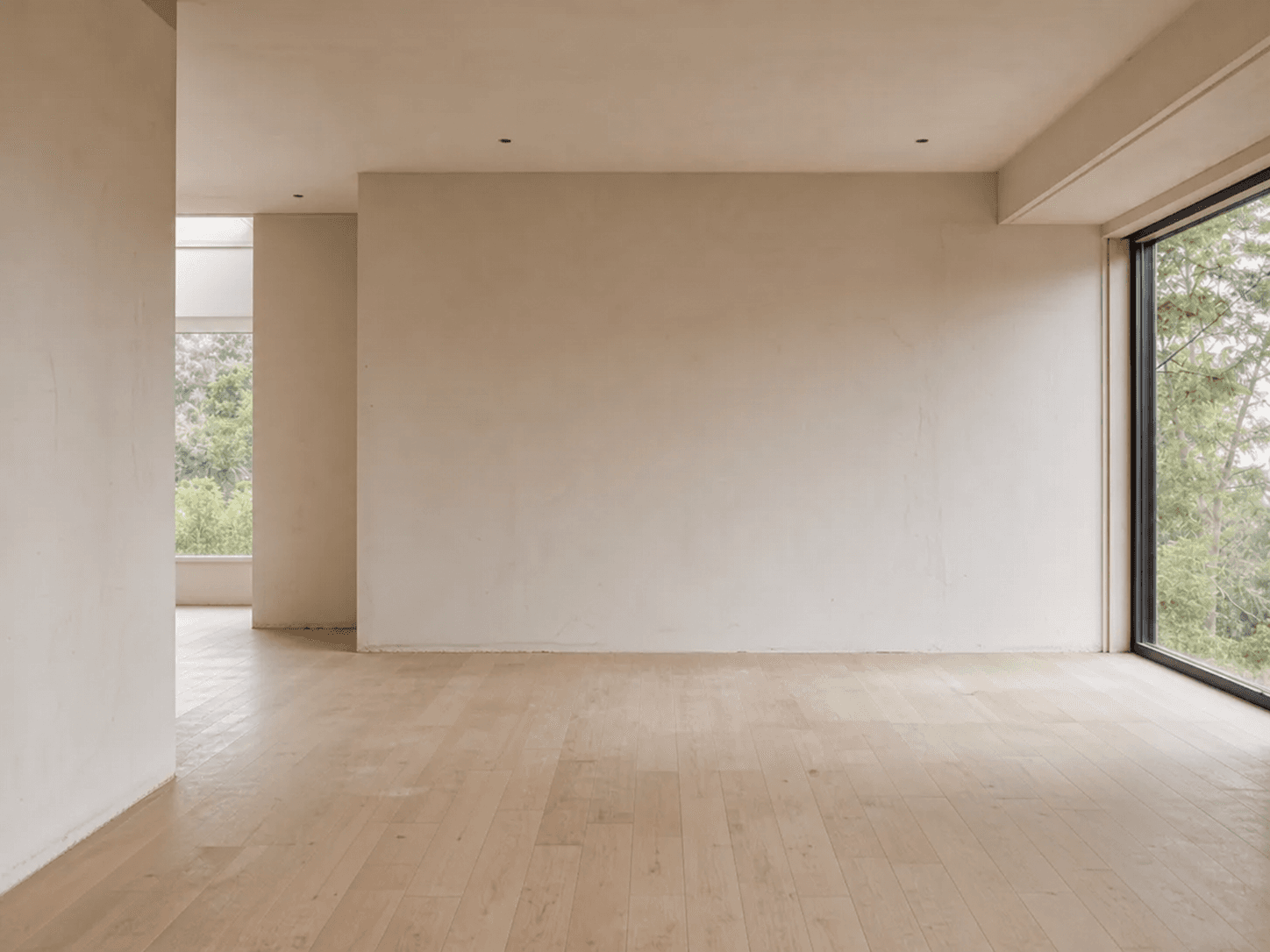
Original room
The interior changes while the room architecture stays in place.
Turn one photo into several realistic directions and compare them before buying furniture or starting a renovation.
Japandi
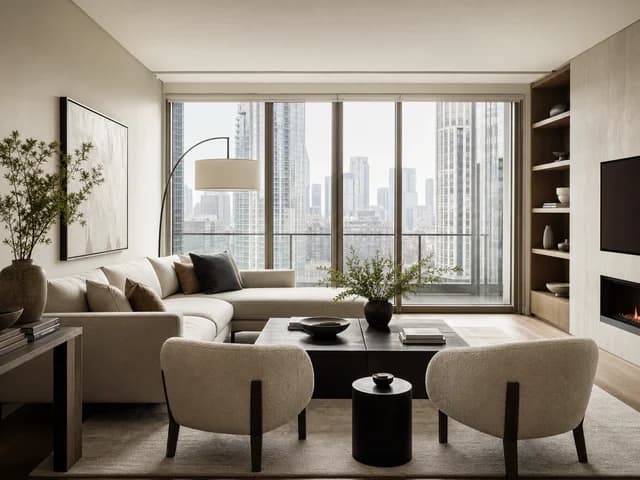
Modern
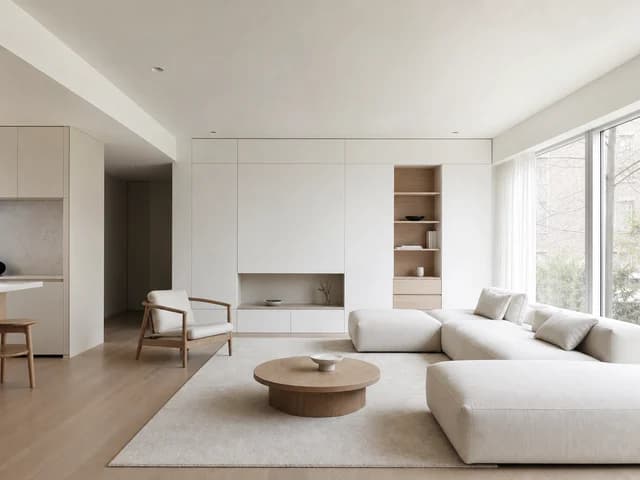
Minimalist
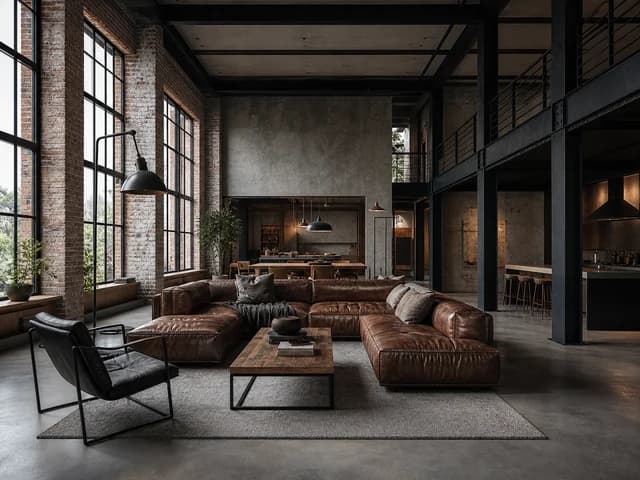
Loft
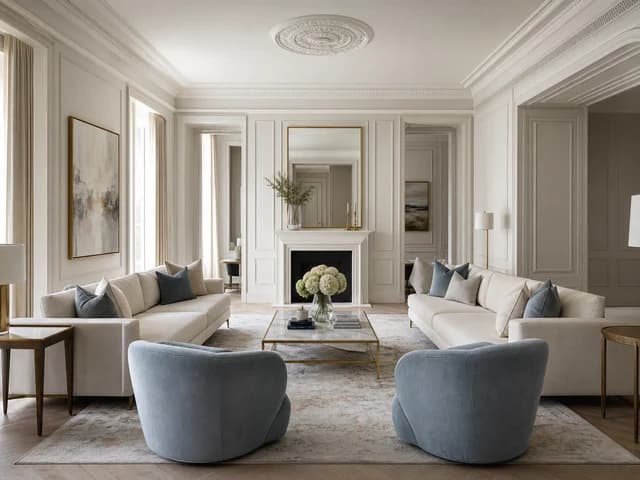
Neoclassical
From photo to idea
Ruvie keeps the workflow focused on your room instead of forcing you through a long setup wizard. Every version stays in one project.
A clear smartphone photo of your room is enough.
Choose a style and explain what should stay or change.
Compare designs and continue from the version you like.
For home and work
Test styles, colors, and furniture before ordering materials or starting work.
Prepare several directions for a first meeting and develop the chosen idea.
Show the potential of an empty or unfinished room without physical staging.
Compare ideas and discover which direction really fits your home.
One visual workspace
Your source photo, generated versions, and later refinements stay together on one canvas. Compare ideas and continue from any result.
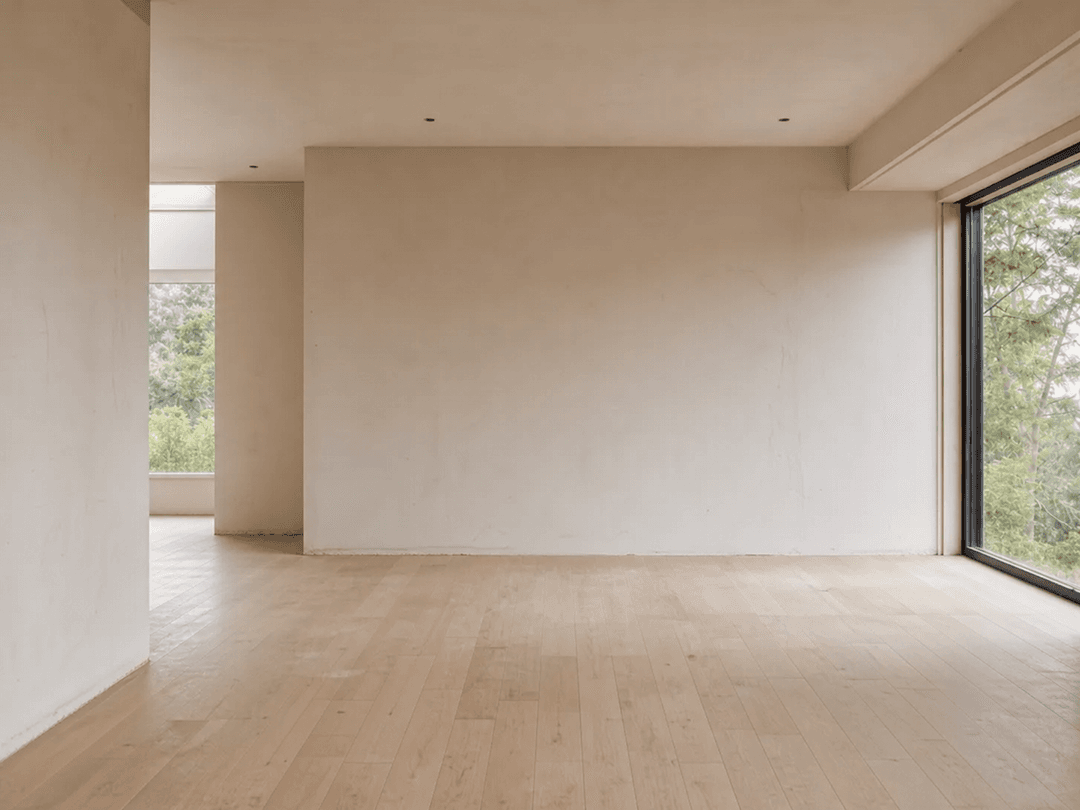
Original photo
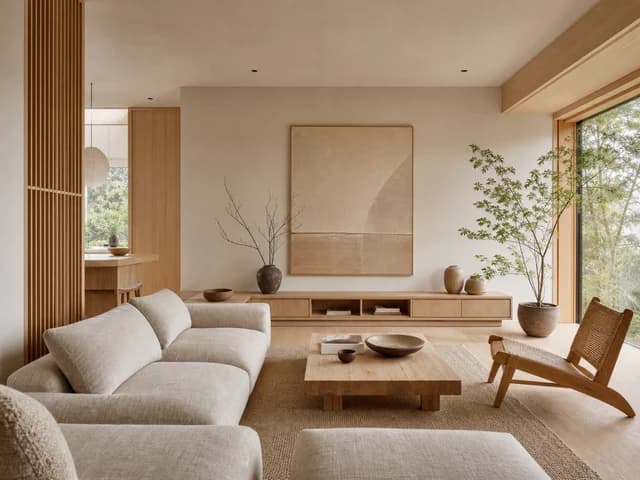
Design 01
Credits power new designs and refinements in Ruvie
Enough for 2 designs. No bank card required.
FAQ
Everything you need to know before your first AI room redesign.
Take a straight, well-lit photo without heavy blur. JPG, PNG, and WEBP files up to 15 MB are supported.
Yes. The core instruction asks the model to preserve the camera angle, proportions, and architectural elements.
Yes. Select a result on the canvas, open refinement, and describe the next change.
One generation costs 4 credits. Your current balance and exact cost are always shown before you start.
Reserved credits are automatically returned, so a failed technical attempt is not charged.
No. Upload a photo, choose a style, and describe your idea in ordinary language.
No. You receive 10 credits after registration—enough for two generations. No bank card is required to start.
Start with one room
Create your first two designs for free and decide whether to continue after seeing the result.